3 Trimlight Halloween Lighting Patterns to Try this Year
Are you ready to take your Halloween decorations to the next level this year? If you're a proud owner of Trimlight's outdoor permanent holiday...
3 min read
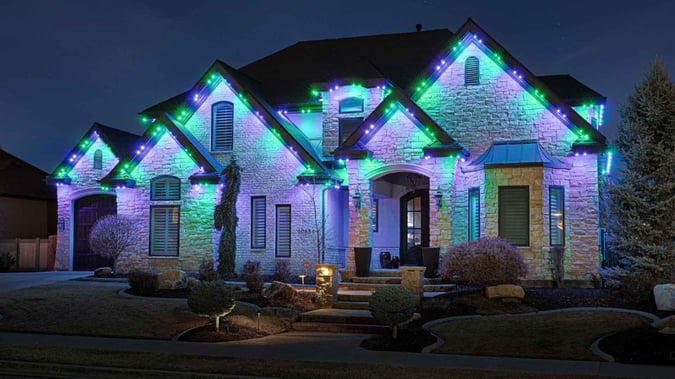
Trimlight makes outdoor Halloween lighting as easy as opening an app. Instead of untangling string lights or swapping out bulbs, switching your roofline to Halloween mode takes a few taps from your phone, any time between now and the big night. This guide walks through eight Trimlight Halloween patterns with exact RGB codes, how to save each one as its own pattern, and how to schedule the whole display to run automatically from mid-September through Halloween.
Once a pattern is saved, switching between Halloween lighting patterns and any other display, including your holiday setup for Christmas, takes about as long as unlocking your phone.
Each of these can be built directly in the custom pattern editor and saved under its own name for quick access later.
Candy corn and midnight black work differently than a single flat color. Candy corn alternates between two orange tones in short segments, similar to a red, white, and blue sequence for the 4th of July. Midnight black uses a segment set to RGB 0, 0, 0 between brighter colors for a pulsing, gap-like effect.
Daily Schedules support a sunset trigger but run indefinitely with no end date. Calendar Events let you set a specific date range, but only with fixed clock times, no automatic dusk option. For a seasonal display like Halloween, Calendar Events are the right tool.
For an automatic dusk-to-set-time cycle that runs indefinitely instead of stopping after Halloween, a Daily Schedule slot works instead, though it will not turn off on its own once the season ends.
Because Trimlight is a single permanent system, moving from Halloween to the holidays is a pattern change, not a new setup. Open the palette icon, select your saved Christmas pattern, and the roofline updates in about 10 seconds. The same scheduling tools carry over, so the switch can happen on a set date without manual work.
Classic orange, deep purple, witch green, and ghost white cover the traditional Halloween palette, while blood red and jack-o-lantern glow add variety for a bolder look.
Classic Halloween orange is RGB 255, 120, 0. For a warmer jack-o-lantern glow, use RGB 255, 90, 0 instead.
Yes. The lightning motion adds random "flicker" to any saved pattern, which works well with ghost white or jack-o-lantern glow for a haunted, candle-like effect.
Build a pattern using any of the Halloween RGB codes in the palette icon and save it under its own name. Then schedule it with a Daily Schedule for an automatic sunset trigger, or a Calendar Event if you want it to run only for a specific date range like September 15 through November 1.
The color code for purple is RGB 148, 0, 211.
A good time to start using Halloween lights is October 1, turning them on around sunset each evening for the best visibility.
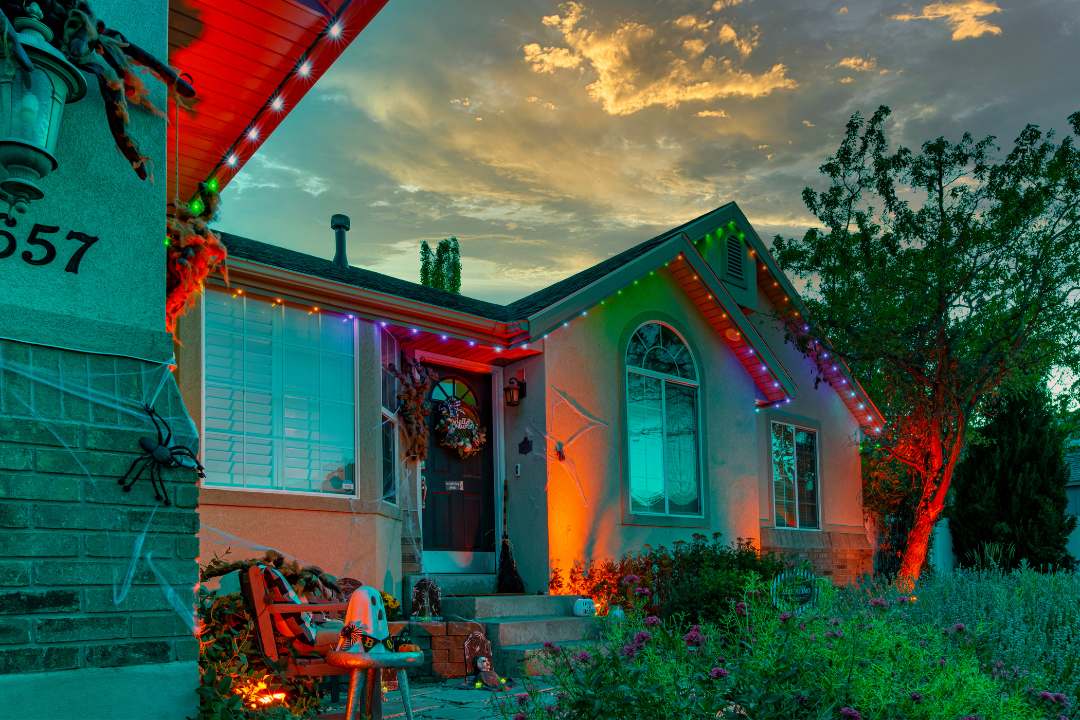
Are you ready to take your Halloween decorations to the next level this year? If you're a proud owner of Trimlight's outdoor permanent holiday...
1 min read
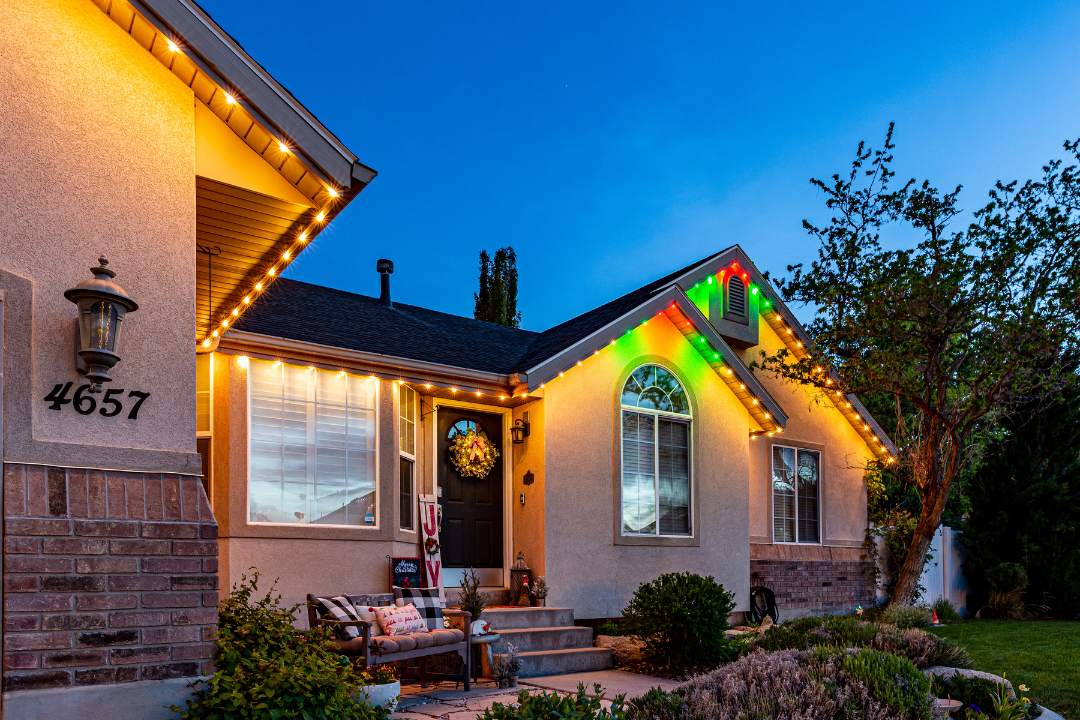
The holiday season is upon us, and what better way to spread joy and warmth than by adorning your home with festive lights? Trimlight offers a...
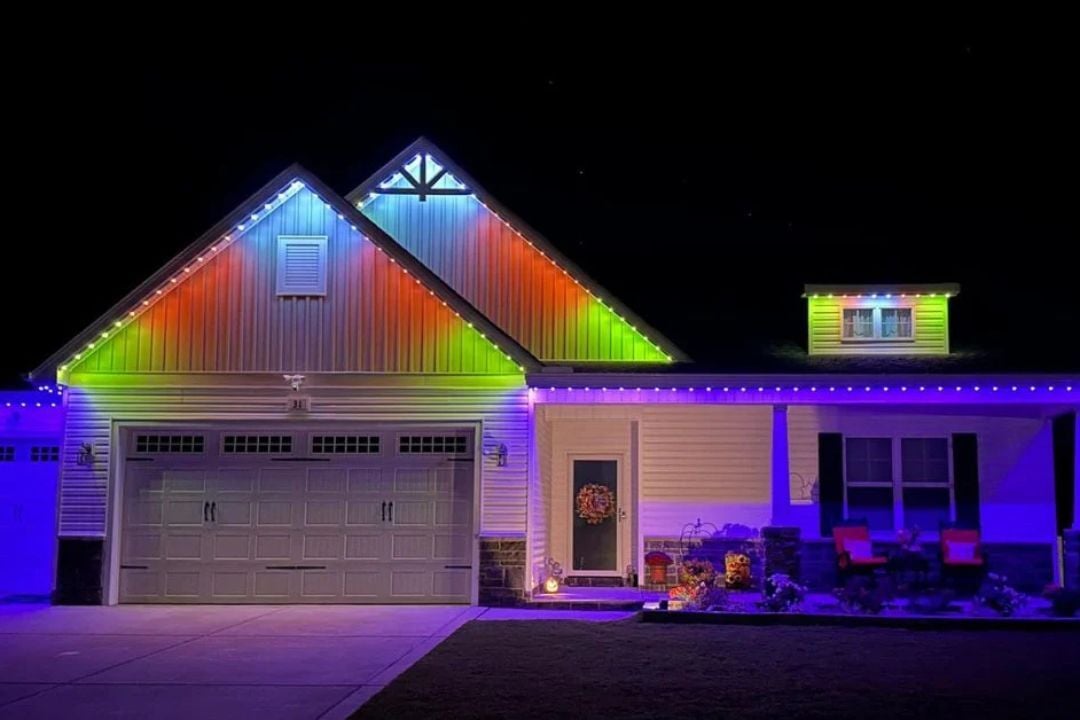
Halloween lighting has come a long way from tangled strings and plastic clips. Homeowners now want something that looks sharp, lasts for years, and...